A home for your files and life.
Organize your documents and photos, stream your own film library, and stay in touch with family or a private group.
FilesMediaChatGroups
Explore the everyday tools →Files, documents, conversations and projects, together. Tools for everyday life and serious work, with encrypted storage on our servers or your own.
Start free. Explore the demo without an account. Plans

Room for the things you do
A folder of family photos. A document you are writing together. A project with a deadline. Pick one thing to bring into OWL and explore from there.
Organize your documents and photos, stream your own film library, and stay in touch with family or a private group.
Write a document, work through a spreadsheet, plan the next step on a board, and keep the conversation going with your team.
Bring code, CAD models and point clouds into the picture. Explore specialist tools, or run OWL on infrastructure your organization controls.
Own. Work. Live.
Where your data lives. Who can read it. How you recover access. OWL explains those choices so you can decide what works for you.
Make OWL part of your day
Begin with a real account and a useful first task. Add storage when you need it, or explore running your own server.
The simplest way to begin: create your account on NDEVR and open OWL in your browser.
See current storage, transfer and AI allowances on the plans page.
Bring OWL to your own hardware, whether you are building a home setup or a workspace for your organization.
Beyond the workspace · NDEVR
NDEVR builds software for surveying, mapping and mining. From underground scans to complex 3D models, that engineering experience also shapes OWL.
Our field products and custom development work continue alongside it.
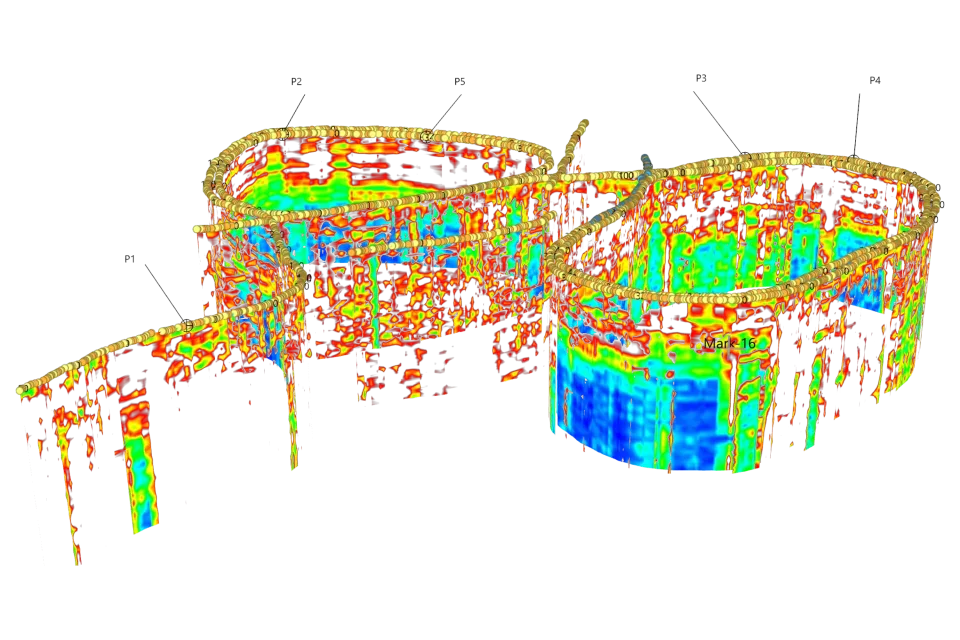
Custom mapping, measurement and 3D software, shaped around your data formats and the results your clients need.
Talk about a project →Explore Map Pro, GNSS and LiDAR workflows, and the hardware and calibration tools that support them.
Explore Map Pro →Explore NDEVR's software modules, development tools and licensing options for your own applications.
Browse the modules →Before you begin
Yes. The demo opens OWL with sample files and a sample workspace. Use it to explore before creating your own account. Demo content is separate from your real account.
No. Start by uploading copies of a few files or trying one project. Keep your existing tools while you decide which parts of OWL fit your day.
OWL includes document, spreadsheet and presentation tools. Try copies of your own files to check formatting and the features your workflow needs before switching. Explore the tools and samples.
You install and operate OWL Server on your own hardware. That includes maintaining the server, managing access and arranging backups. Read about OWL Server.
Features are evolving and you may encounter rough edges. Keep backups, test the workflows you rely on, and tell us about problems or missing features.
A place to begin
A file. A conversation. Your next project.
Start there, and see what fits.