What It Is
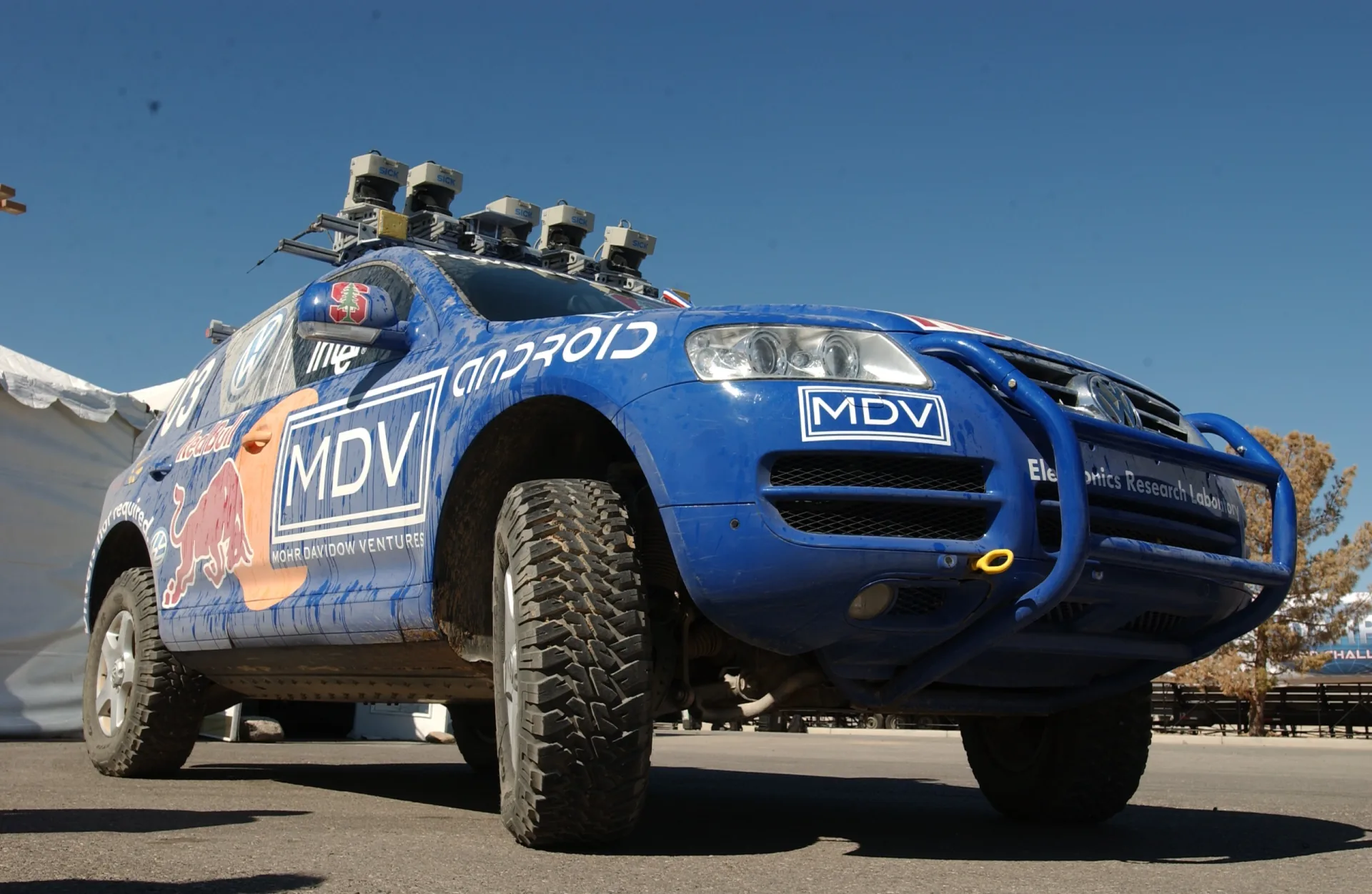
Drop a robot into a building it has never seen and ask it to make a map. To map accurately it must know exactly where it is in each moment — but to know where it is, it needs a map to compare against. You cannot have one without the other. SLAM is the family of algorithms that solves both at once: it estimates the device’s position and grows the map together, each refining the other as new data arrives.
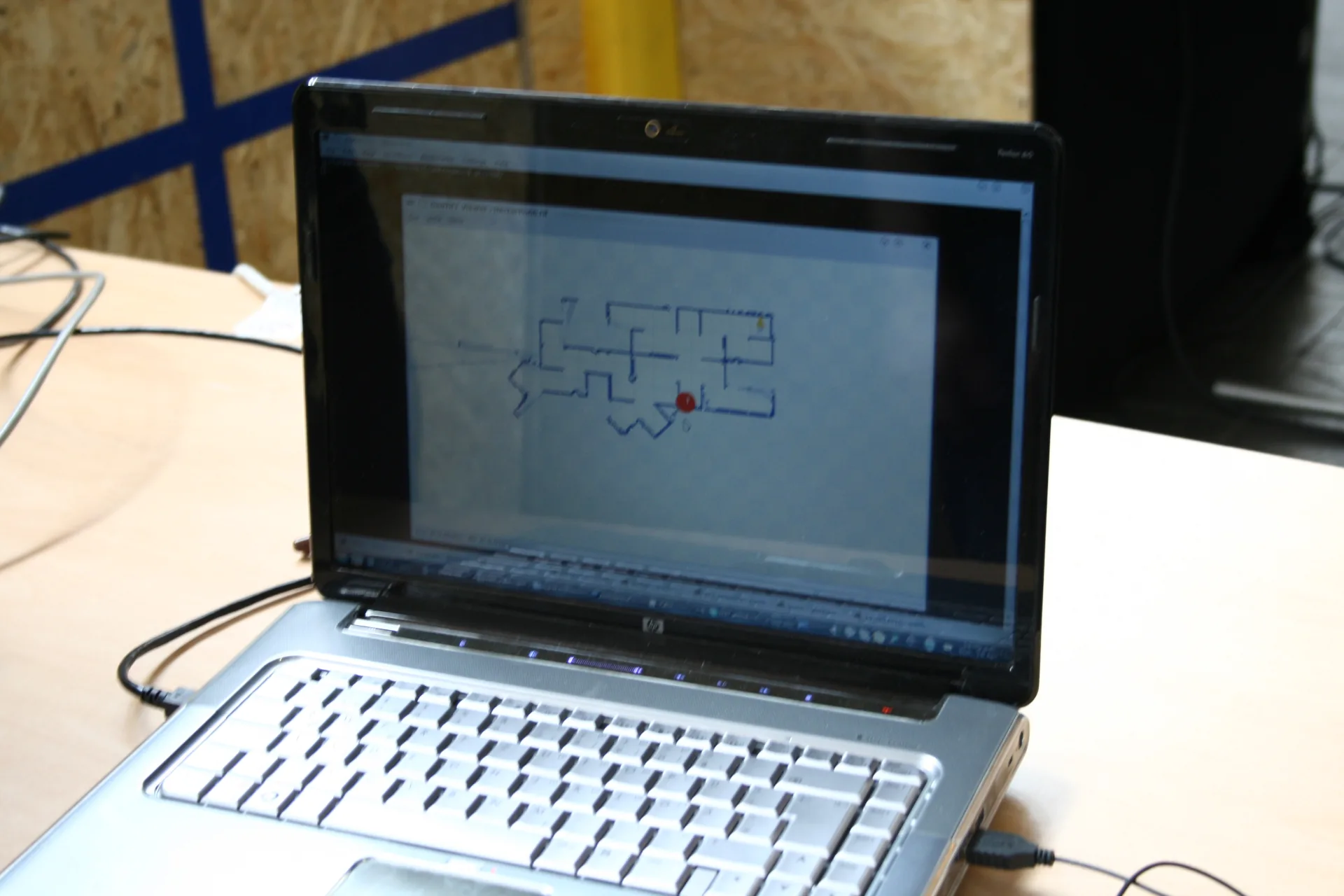
Visual SLAM is the version that uses cameras as the main sensor. Where LiDAR SLAM ranges the world with a laser, visual SLAM infers both motion and structure from the way the image changes as the camera moves — cheap, light, and rich in detail. The output is two things at once: a continuous track of the camera’s pose (its path through space) and a 3D map of the scene.
How It Works
Visual SLAM runs a tight loop on every camera frame. It splits into a fast front-end that tracks the camera in real time and a heavier back-end that keeps the map consistent.
Step by step:
- Track features. Each frame, the system finds distinctive points — corners, textured spots (“keypoints,” using detectors like ORB or FAST) — and matches them to the previous frame.
- Estimate pose (visual odometry). From how those matched points shifted between frames, it computes how the camera moved — its rotation and translation. Chaining these gives a running trajectory.
- Map points. Seeing the same feature from two camera positions lets the system triangulate its 3D location, growing a map of landmarks. Selected frames are kept as keyframes.
- Loop close & optimize. The back-end recognizes places it has seen before and runs a global optimization (bundle adjustment / pose-graph) that jointly refines every camera pose and map point to best agree with all the observations.
Drift & Loop Closure
Because pose is built up one small step at a time, tiny errors accumulate. After a long path the estimated trajectory slowly bends away from reality — this is drift. The fix is loop closure: when the camera returns to a place it has seen before, the system recognizes it (often with a visual “bag-of-words” place-recognition database), adds a constraint saying “these two moments are the same spot,” and the global optimization snaps the whole loop back into shape.
Cameras & Sensors
What camera you use shapes what visual SLAM can do:
- Monocular (one camera) — lightest and cheapest, but it cannot recover absolute scale from images alone: a small model close up looks identical to a large scene far away. The map is correct in shape but not in size until something fixes the scale.
- Stereo (two cameras) — the known distance between the lenses gives real-world scale directly, like depth perception from two eyes.
- RGB-D (color + depth sensor) — measures depth per pixel, so scale and 3D structure come for free; excellent indoors and at close range.
Adding an IMU: Visual-Inertial SLAM
Fusing the camera with a small inertial measurement unit (accelerometer + gyroscope) is what makes modern AR and drones robust. The IMU bridges fast motion and motion blur where the camera briefly loses tracking, and — crucially — it recovers metric scale for a single camera. This visual-inertial combination is the backbone of most phone-based AR today.
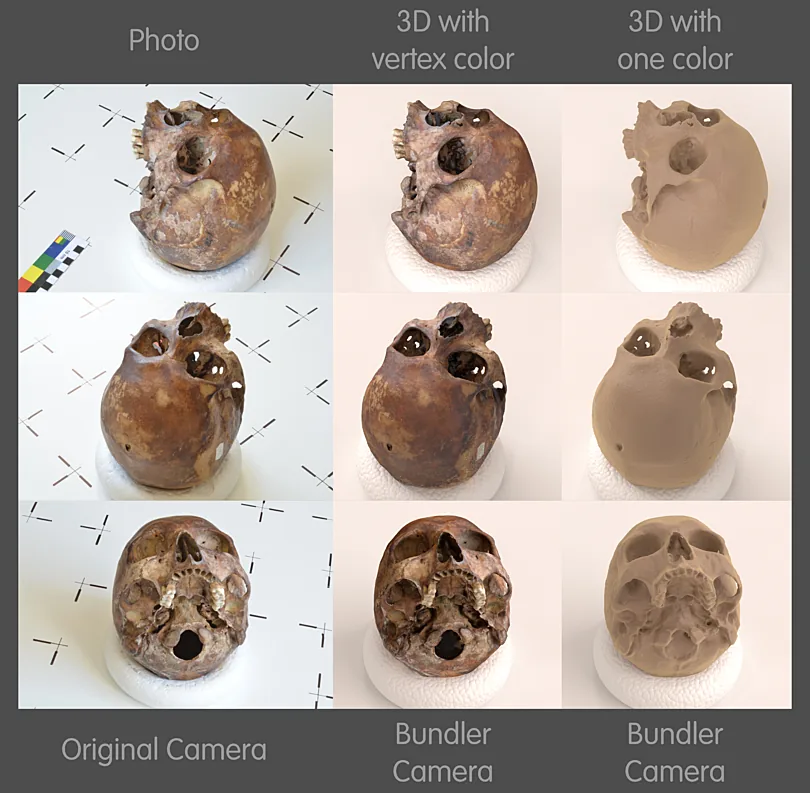
Methods also differ in how much of the image they use. Feature-based systems track a sparse set of keypoints (fast, robust, the most common); direct methods use raw pixel intensities to build denser maps (more detail, more sensitive to lighting). And visual SLAM is the close cousin of photogrammetry’s Structure-from-Motion — same feature-and-triangulation math, but SLAM runs live and incrementally while SfM solves everything offline in one batch.
Limitations
Visual SLAM is powerful but it leans on the scene cooperating. It struggles when:
- There is nothing to track — blank walls, fog, or the dark give no features to lock onto.
- The camera moves too fast — motion blur and large jumps between frames break feature matching (an IMU helps here).
- The world moves — crowds, traffic, and other moving objects violate the assumption that the scene is static, pulling the estimate off.
- Lighting changes — shadows, glare, and exposure shifts make the same place look different.
- Scale is ambiguous — a single camera needs stereo, depth, an IMU, or a known reference to map in real units.
On top of that it must run in real time on a moving platform, so there is always a trade-off between accuracy and the compute budget on board.
Where It Is Used
Anywhere a device must understand its own motion and surroundings without GPS — especially indoors, underground, or in the air — visual SLAM is at the core.
AR & VR
- Headset & phone tracking
- Anchoring virtual objects to the room
- Visual-inertial, on-device
Robotics & drones
- GPS-denied navigation
- Obstacle avoidance
- Autonomous exploration
Autonomous vehicles
- Localization between GPS fixes
- Lane & landmark mapping
- Sensor fusion with lidar
Reality capture
- Handheld & mobile scanning
- Registering frames into one cloud
- As-built documentation
Mapping & survey
- Indoor & subterranean mapping
- Mobile mapping systems
- Floor plans from a walk-through
Inspection
- Pipes, tunnels, facilities
- Repeatable revisits
- Change detection over time
Visual SLAM in NDEVR
NDEVR puts the same idea to work in its own reality-capture pipeline: a built-in SLAM engine aligns a moving depth camera’s RGB-D frames — optionally fused with an IMU — into one registered point cloud as you scan, localizing while it maps. The same camera-tracking underpins Augmented Reality and field workflows in NDEVR Map Pro.
From a phone placing a virtual chair on your floor to a drone threading a collapsed building, visual SLAM is what lets a camera answer two questions at once: where am I, and what does this place look like? To see how the related techniques fit together, read What is Photogrammetry? and What is a Point Cloud?