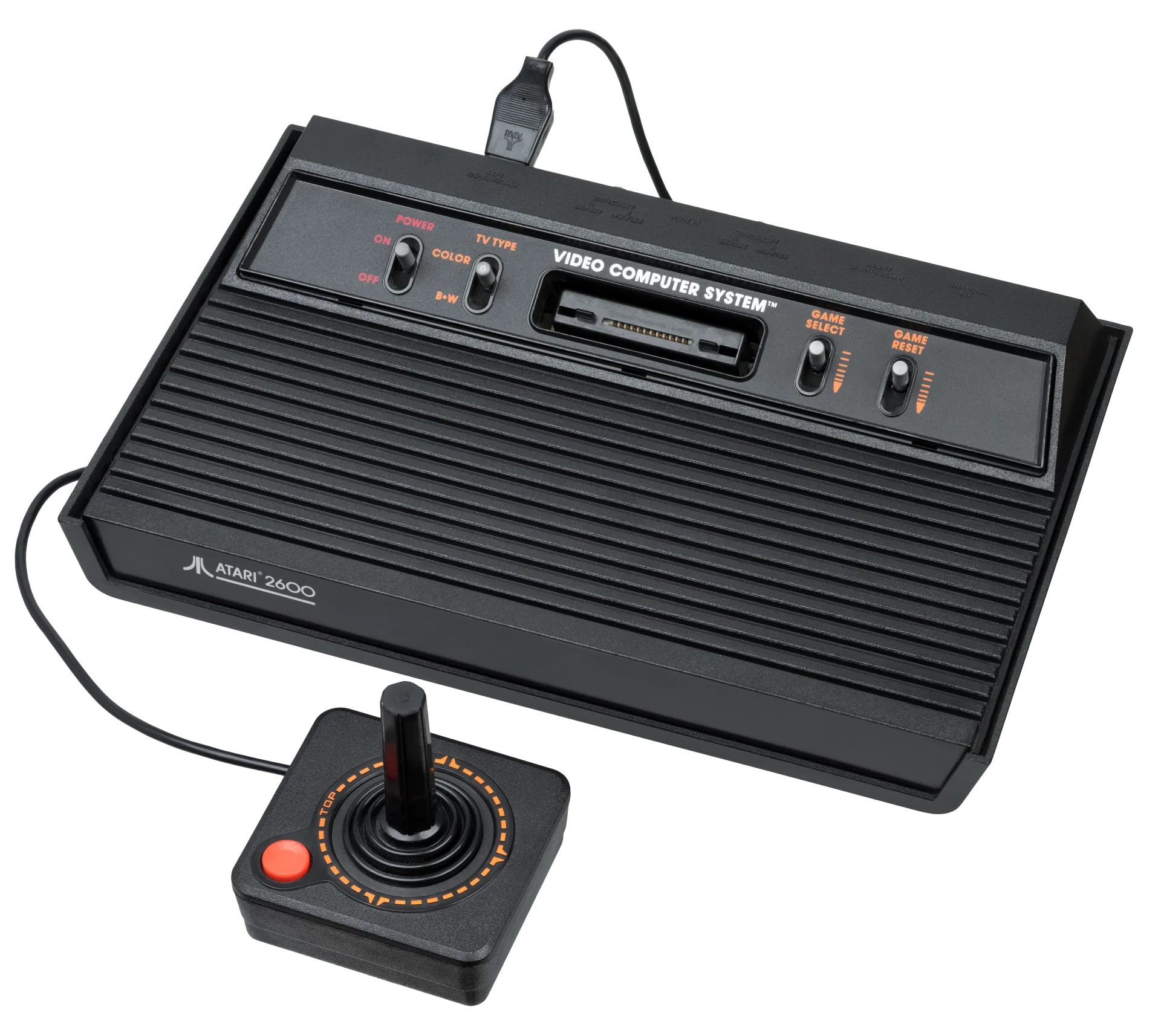
What You Need
- An OSCR and the custom Atari 2600 adapter. The project supports both ordinary cartridges and many bank-switching layouts used by larger games.
- A microSD card for the reader and a computer to copy the result.
- Isopropyl alcohol and a lint-free swab for oxidized edge contacts.
Dumping, Step by Step
- Clean the cartridge contacts, insert the cart into the Atari adapter, then attach it to the powered-off reader.
- Choose Atari 2600 on the OSCR. Use its database result when offered; unusual homebrew and late cartridges may need a manual mapper selection.
- Dump the cartridge twice. Matching CRC32 values are the quickest proof that the read is stable.
- Keep an untouched archival copy. Upload a copy named with the
.a26extension to OWL.
A .bin file does not need conversion
Atari 2600 dumps are also commonly named .bin. OWL avoids auto-detecting that extension because many consoles use it. For a confirmed 2600 dump, renaming a copy from Game.bin to Game.a26 changes only the name, not the bytes.
Bank Switching and Verification
The original address space could expose only 4 KB of cartridge ROM at once. Larger games added hardware that switches banks when the console accesses particular addresses. That circuitry is why two cartridges with the same capacity can need different mapper settings. A file with the expected size can still be wrong if the reader repeated one bank and missed another.
Dump twice, compare hashes, and if possible compare the result against a preservation database such as No-Intro. A game that boots but later shows corrupt levels or repeats content is a classic sign of a mapper or contact problem.
Playing Your Backup
Upload Game.a26 to your OWL media library. It appears under Atari 2600 and launches through EmulatorJS’s Stella 2014 core, with remappable controls, save states, and your emulator settings synchronized across devices. No console BIOS is needed.