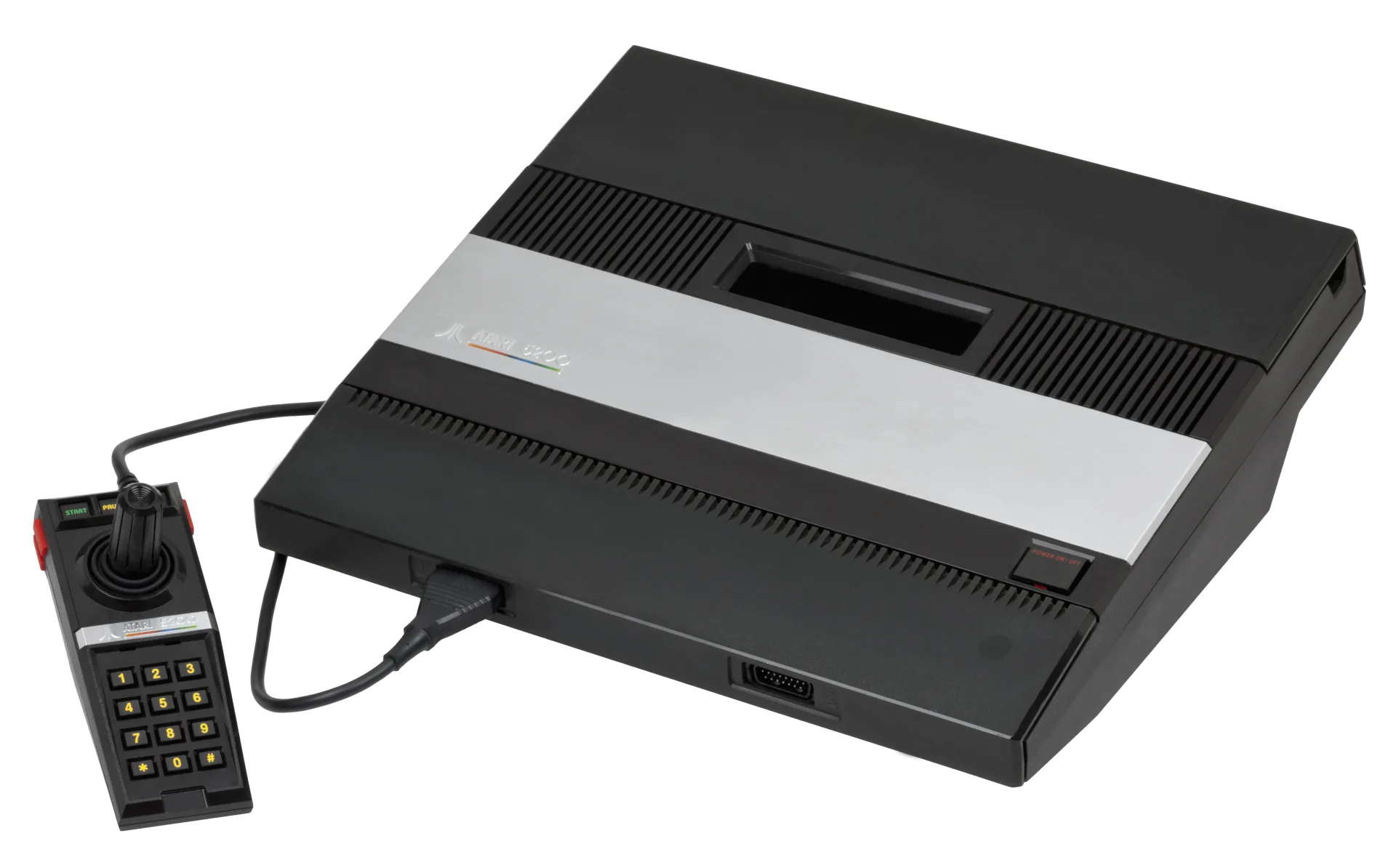
What You Need
- Open Source Cartridge Reader with an Atari 5200 adapter. This is the flexible choice if you also preserve other cartridge systems.
- Or an Atarimax Maxflash USB Cartridge Programmer with the matching 5200 Cartridge Dumping Adapter. The cartridge connects through the adapter and the programmer’s PC software reads it.
- A clean cartridge connector, microSD card for OSCR, and enough time to make two independent reads.
Dumping, Step by Step
- Power the reader off, connect the adapter, and firmly seat the cleaned cartridge.
- Select the Atari 5200 system and let the reader identify the expected ROM size.
- Dump twice, power-cycling and reseating between reads if the hashes differ.
- Keep the verified file as
Game.a52. Do not pad or trim it merely to match a size found online.
Why Verification Matters
Age and the 5200 cartridge connector are more likely to spoil a read than the ROM chip itself. Two identical hashes show that the reader saw the same bytes independently. A known-good preservation database can provide a second check, but the double dump is the evidence that matters for your physical cartridge.
Keep .bin out of automatic detection
The A5200 core can consume some raw .bin dumps, but that extension belongs to many systems. Give a confirmed 5200 dump the system-specific .a52 extension so OWL can place it under the correct console without guessing.
Playing Your Backup
Upload Game.a52 to your OWL media library. It appears under Atari 5200 and launches with EmulatorJS’s A5200 core. Browser gamepads use the common RetroPad mapping; controls and save states can be adjusted from the emulator settings.