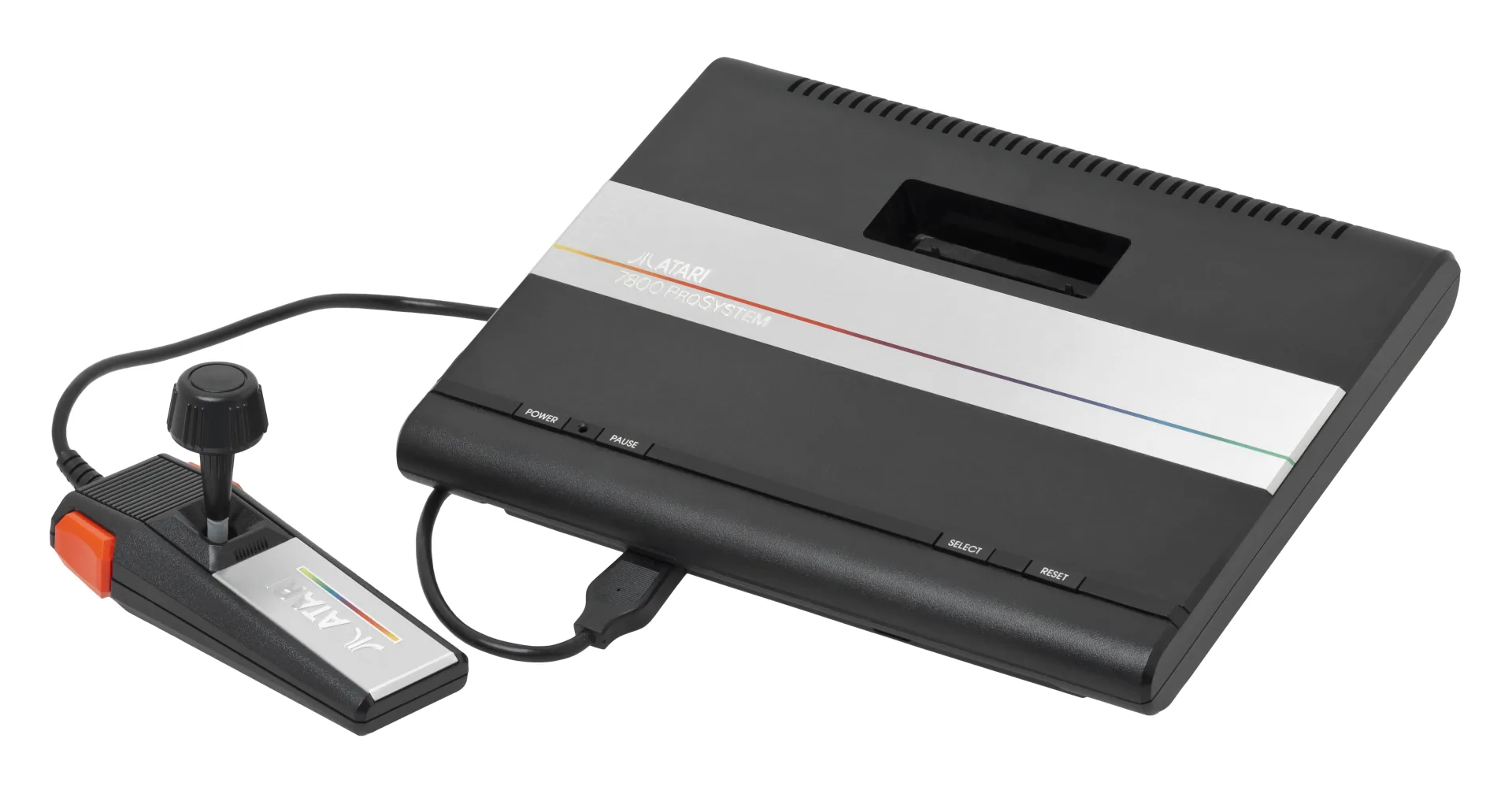
What You Need
- An Open Source Cartridge Reader with the custom Atari 7800 adapter.
- A microSD card and a current OSCR database/firmware release; 7800 support continues to receive mapper and title updates.
- Cleaning supplies and the original cartridge you own.
Dumping, Step by Step
- Update the reader database, then connect the 7800 adapter with power removed.
- Clean and insert the cartridge; choose Atari 7800 and confirm the detected title or board type.
- Dump twice and compare the full file hashes.
- Archive the resulting
.a78file without stripping its header.
Why the A78 Header Matters
Unlike a 2600 .a26 rename, converting a raw 7800 .bin into .a78 is not merely changing the extension. The A78 format prepends a 128-byte header describing the title, cartridge type, mapper, audio hardware, region, and controller expectations. Wrong metadata can make a perfect ROM dump boot incorrectly.
Prefer the reader’s headered output
If your tool produces only a raw binary, preserve it untouched and create a separate .a78 copy with a dedicated A78 header utility and verified database metadata. Do not invent settings from file size alone.
The 7800 is also backward-compatible with most 2600 cartridges, but the cartridge itself determines the backup format: dump a 2600 game as .a26 and a 7800 game as .a78.
Playing Your Backup
Upload Game.a78 to your OWL media library. OWL recognizes Atari 7800 automatically and launches EmulatorJS’s ProSystem core with native two-button, pause, reset, select, and difficulty-switch bindings.