What You Need
- An Open Source Cartridge Reader and a Game Gear cartridge adapter. Game Gear support is one of the project’s custom-adapter systems.
- A microSD card and a current OSCR firmware/database build.
- The original cartridge, plus isopropyl alcohol for contacts that have spent decades in a portable case or drawer.
Dumping, Step by Step
- Connect the Game Gear adapter to the unpowered reader, then insert the cleaned cartridge.
- Select Game Gear and dump the ROM to microSD.
- Make a second independent dump. If the hashes differ, reseat and clean before trying again.
- Keep the verified result with the
.ggextension and store an untouched archival copy.
Cartridge Saves and Aging Hardware
Most Game Gear titles have no save memory, so the ROM is the entire archival object. Where a reader exposes a separate save, preserve it first and do not assume a blank file means the cartridge never saved—an exhausted battery may already have erased it.
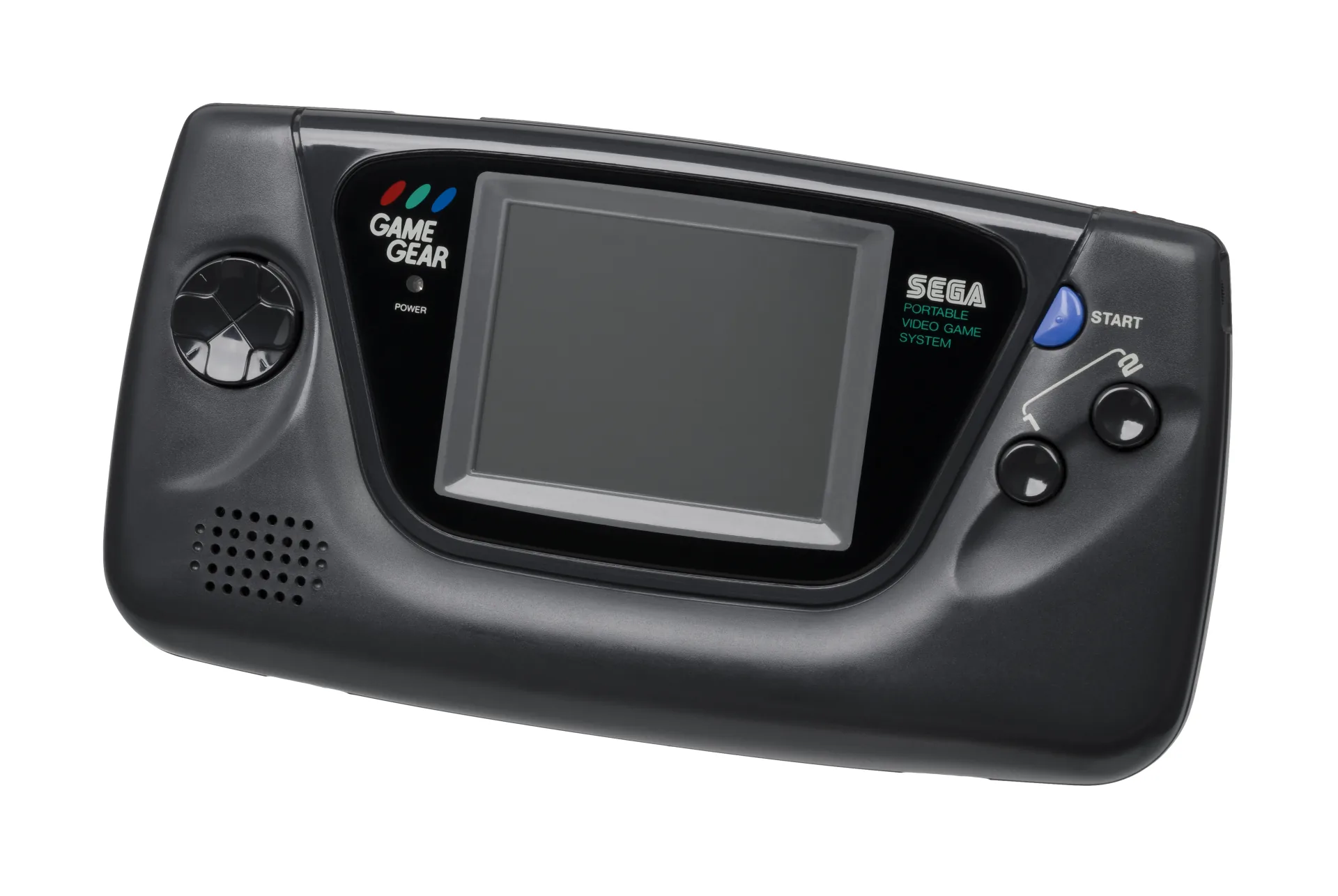
The famous capacitor failures in original Game Gear consoles affect the handheld’s screen, sound, and power circuitry, not the mask ROM inside a cartridge. You do not need a working handheld to read the cart with a dedicated adapter.
Use .gg, not .sms
Game Gear and Master System software share an architectural family, but their display modes and controls differ. Preserve the native extension so OWL chooses the correct console profile: .gg here, .sms for Master System.
Playing Your Backup
Upload Game.gg to your OWL media library. It appears under Sega Game Gear and runs through EmulatorJS’s Genesis Plus GX core with the handheld’s two-button and Start layout, save states, and synchronized emulator settings.