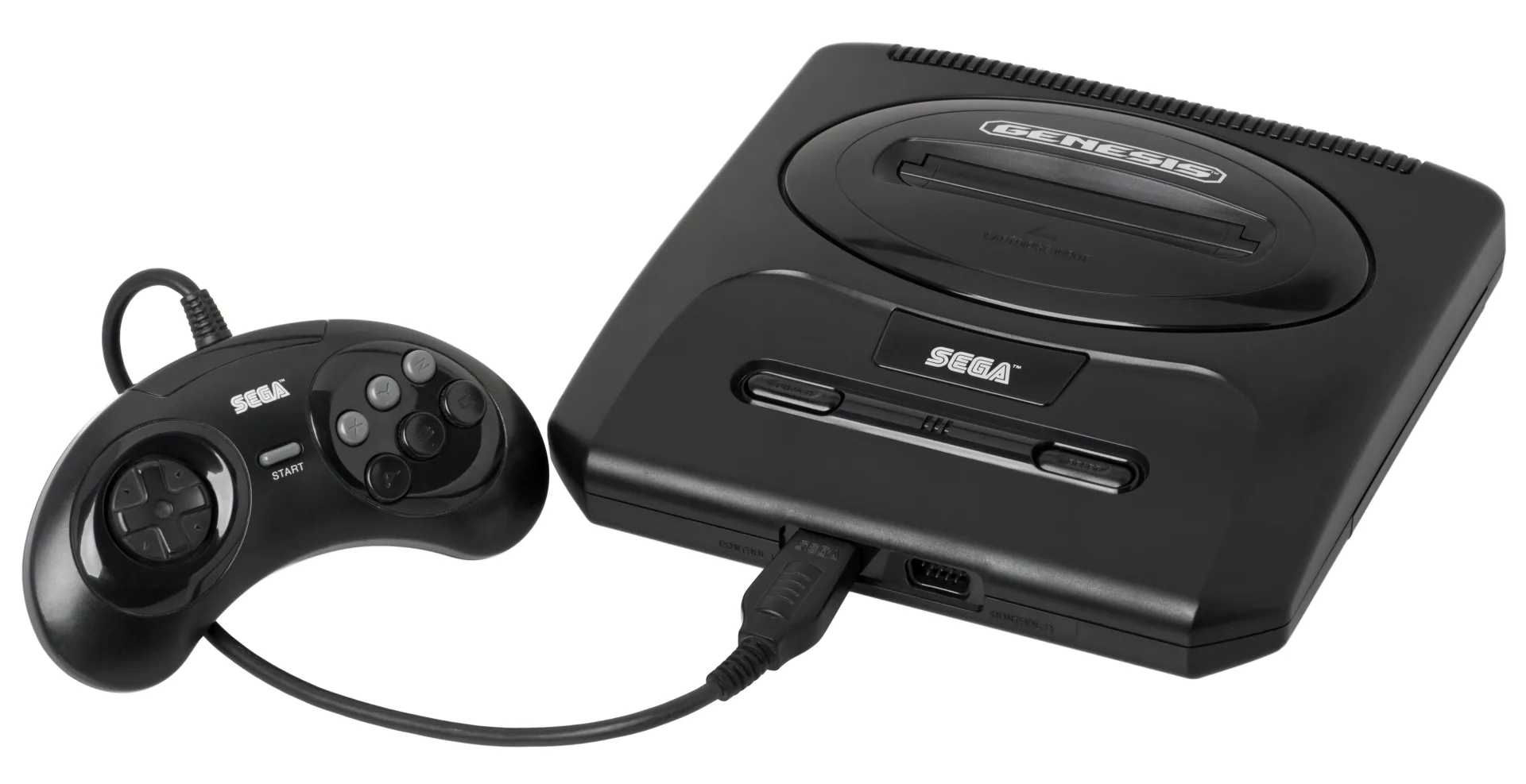
What You Need
- Retrode 2 — a native Genesis slot beside its SNES one: plug the cart in and it mounts as a USB drive with the ROM and save sitting there as files. Stocked by DragonBox and Retro Game Repair Shop.
- Open Source Cartridge Reader (OSCR) — native Mega Drive slot, dumps to microSD standalone; prebuilt at Save the Hero Builders (~$150). Adapters extend it to Sega’s other systems (Master System, Game Gear) if your shelf goes deeper.
- INLretro in its Genesis-capable configuration.
Dumping, Step by Step
.md file and, where applicable, its save. Diagram: NDEVR.- Clean the edge connector with isopropyl alcohol.
- Insert and copy. Retrode: drag the ROM and save off the mounted drive. OSCR: choose Mega Drive and it dumps both to the card.
- Save first, ROM second for the battery-backed titles below.
- Verify. Dump twice and compare, or check the checksum against the No-Intro database.
.md, .gen, .bin — and the odd one out
Genesis ROMs travel under three extensions for the same raw bytes; .md is the modern convention. The one to avoid is .smd — an interleaved format from 1990s copier hardware. Modern dumpers write the raw format natively, so you’ll only meet .smd in very old dumps.
Battery Saves
Most Genesis games used passwords, but the ones that save — Phantasy Star IV, Shining Force, Sonic 3 (& Knuckles), Story of Thor — mostly keep it in battery-backed SRAM, now 30+ years old. Dump those saves before anything else; the readers above can restore them to the cartridge after a battery swap. (Sonic 3 is a happy exception — its FRAM keeps data without any battery.)
Playing Your Backup
Upload Game.md to your OWL media library and the Games collection runs it in the browser on the player’s Genesis core — box art, per-console settings, save states synced across devices, and Play Together for handing a friend the second controller. In CSD mode with client-held decryption keys, game and save payloads remain end-to-end encrypted; private library metadata—including names, types, exact original sizes and source timestamps—is encrypted too.