What You Need
- Retrode SMS plug-in — the official adapter exposes Master System cartridges through the Retrode just like a removable drive.
- Or an OSCR with the Master System adapter. It dumps to microSD without needing a computer beside the reader.
- For Sega Cards, a compatible card-slot adapter rather than the ordinary cartridge socket.
Dumping, Step by Step
.sms image. Diagram: NDEVR.- Clean the cartridge contacts and attach the adapter while the reader is disconnected.
- Insert the cartridge, connect the reader, and select Master System if it is not detected automatically.
- If the reader exposes save RAM, copy that first. Then dump the ROM twice and compare hashes.
- Archive the verified
.smsfile and any save as separate originals.
Sega Cards, Regions, and Saves
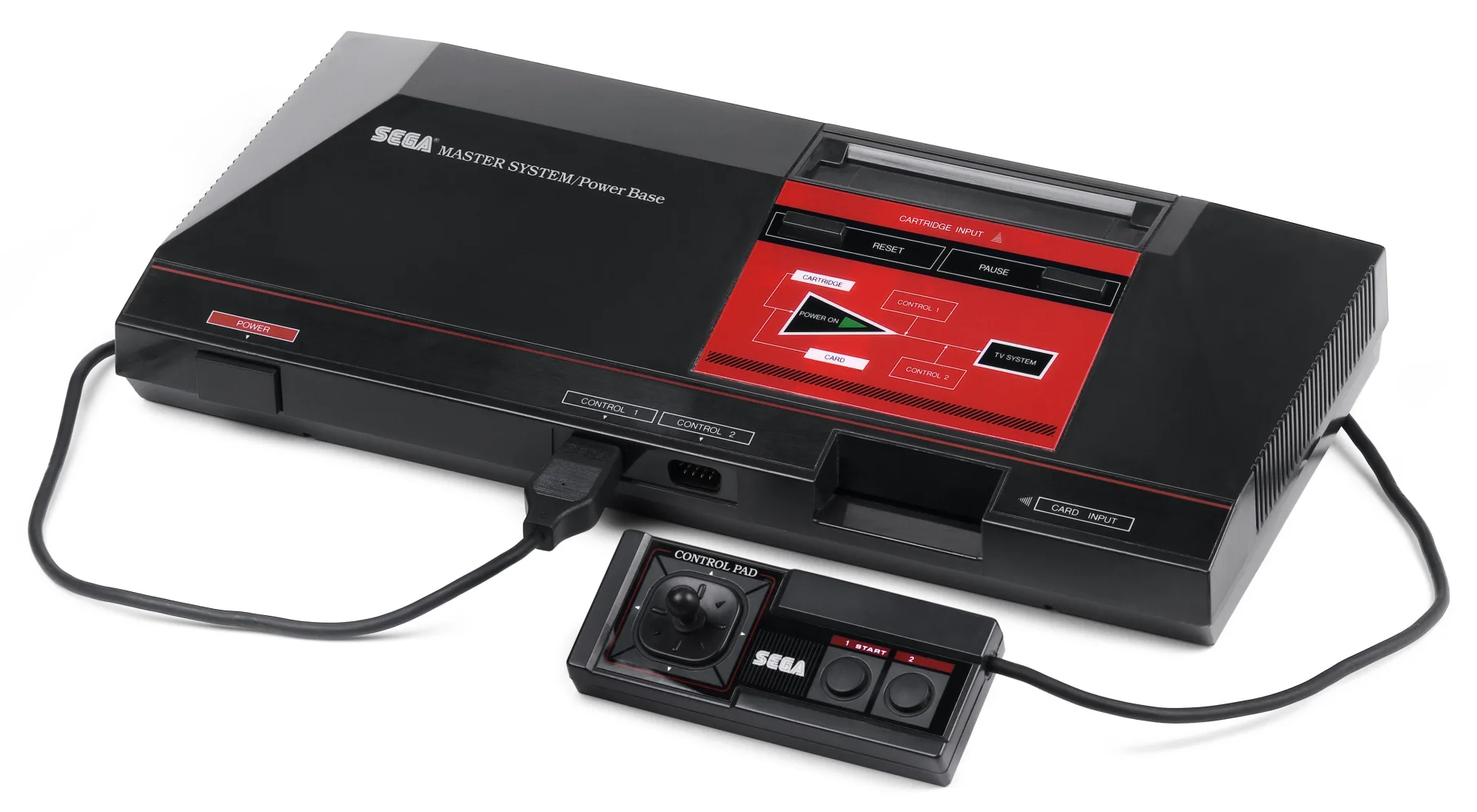
Early Master System hardware can read both full cartridges and thin Sega Cards. The software bytes can use the same .sms format, but the card needs its own physical socket or adapter. A cartridge adapter cannot accept it by shape alone.
Most games store no persistent data; passwords were more common. A few RPGs use battery-backed RAM, so preserve the save before replacing a battery. Region differences can affect display timing and language, but do not “fix” a verified dump by patching it—keep the original bytes and apply any emulator option separately.
Master System and Game Gear are related, not interchangeable
The hardware families share much of their design and use the same upstream Genesis Plus GX lineage, but cartridge dumps should keep their native extensions: .sms for Master System and .gg for Game Gear. That is how OWL selects the correct display and controls.
Playing Your Backup
Upload Game.sms to your OWL media library. OWL starts the Sega Master System core with the native two-button control layout, synchronized settings, save states, and gamepad support.