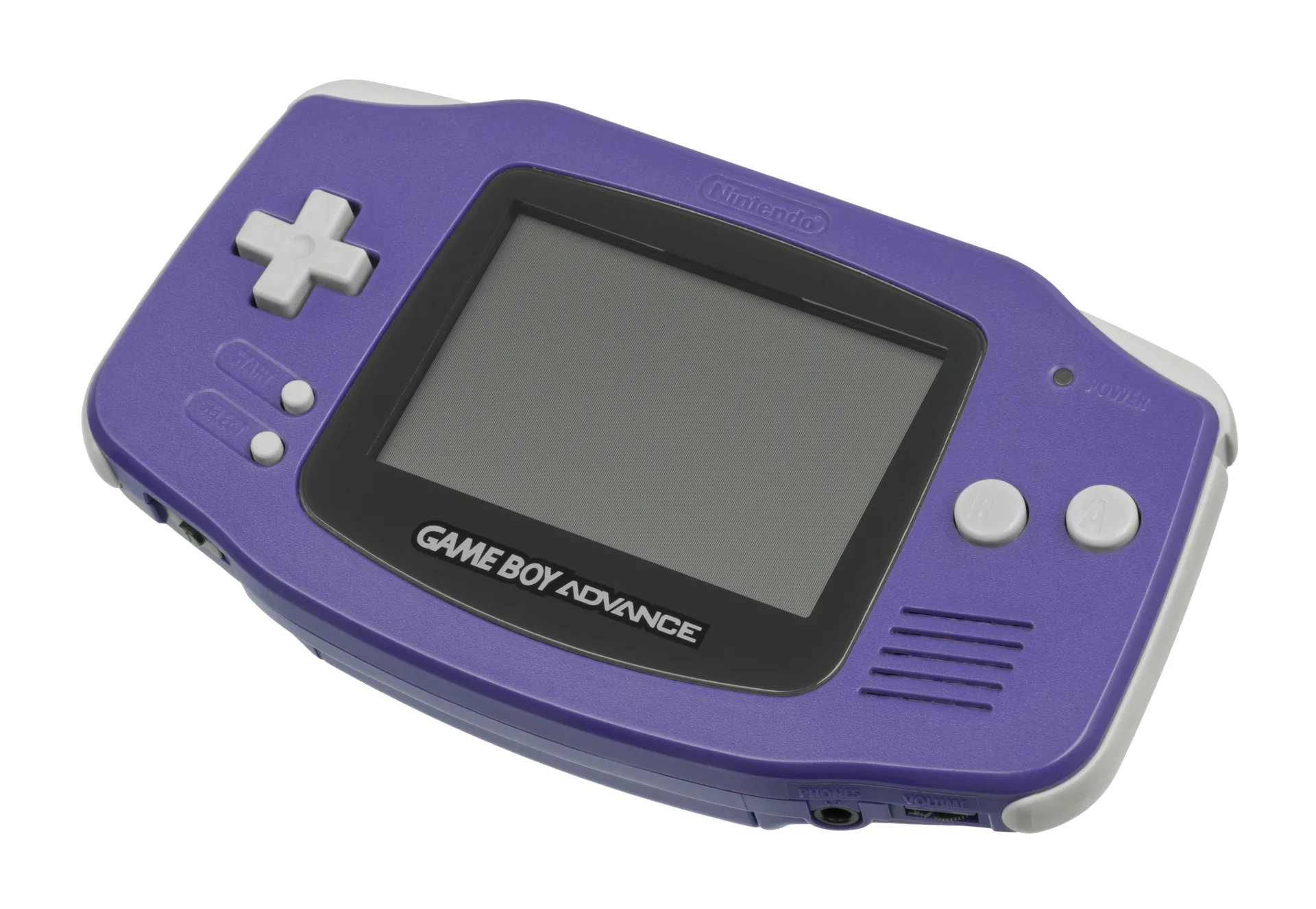
What You Need
- GBxCart RW v1.4 Pro (~$45) with the free FlashGBX app — the standard pick. FlashGBX knows the GBA save-type quirks cold and verifies every dump.
- Epilogue GB Operator (~$60) — the plug-and-play option with the friendliest software.
- BennVenn Joey Jr or an Open Source Cartridge Reader — both read GBA carts as well.
Dumping, Step by Step
.gba file (plus .sav) for your library. Diagram: NDEVR.- Clean the edge connector with isopropyl alcohol.
- Insert and identify. The app reads the header and reports the game, ROM size, and save type.
- Dump the save (
Game.sav) — then the ROM (Game.gba). FlashGBX checksum-verifies the read. - Spot-check in the emulator. A good dump boots instantly; a bad one usually will not boot at all.
The Three Save Types
GBA cartridges save three different ways, and it matters mostly for peace of mind:
- EEPROM and Flash (most of the library, including the Pokémon Advance games’ save data) — non-volatile. No battery; these saves survive indefinitely.
- SRAM (a minority of titles) — battery-backed, same fragility as the Game Boy era. Dump these first.
- The RTC exception: Pokémon Ruby/Sapphire/Emerald carry a battery only for their real-time clock. A dead battery stops time-based events but does not erase the save.
★
Let the software decide
There is no marking on the cartridge that tells you the save type — and guessing wrong in a manual tool can produce an empty save file. FlashGBX and Playback detect the type from a database plus probing, which is exactly why they are the recommended path.
Playing Your Backup
Upload Game.gba to your OWL media library: the Games collection recognizes it, fetches box art, and the GBA core runs it in the browser with save states synced across your devices — phone, desktop, or TV. In CSD mode with client-held decryption keys, game and save payloads remain end-to-end encrypted; private library metadata—including names, types, exact original sizes and source timestamps—is encrypted too.