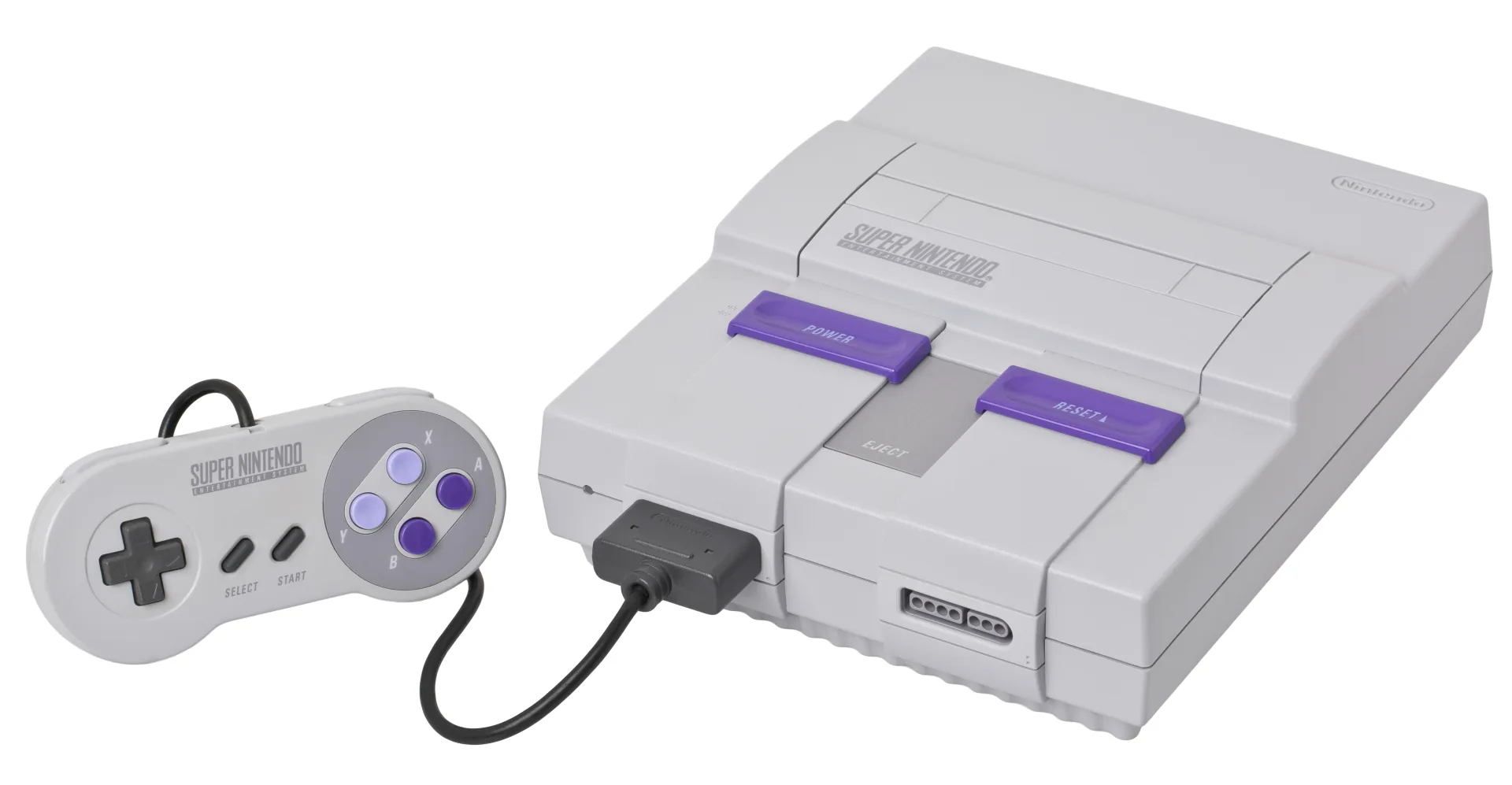
What You Need
- Retrode 2 — the drag-and-drop classic: plug in a SNES (or Genesis) cart and it appears as a USB drive containing the ROM and the save as plain files. No software to install at all. Stocked by DragonBox and Retro Game Repair Shop, with plugin adapters for N64 and Game Boy carts.
- Open Source Cartridge Reader (OSCR) — a native SNES slot, dumps to microSD with no computer attached, and the broadest special-chip support of any reader. Prebuilt at Save the Hero Builders (~$150).
- INLretro Dumper-Programmer — the SNES-capable version of the NES community’s favorite dumper.
Dumping, Step by Step
Game.sfc and Game.srm. Diagram: NDEVR.- Clean the edge connector with isopropyl alcohol.
- Insert the cartridge. Retrode: it mounts as a USB drive — copy
Game.sfcandGame.srmoff like any files. OSCR: choose SNES, and it writes both to the microSD card. - Copy the save first, then the ROM — the save is the fragile half.
- Verify. Dump twice and compare, or check against the No-Intro database. Bad reads are almost always dirty contacts.
A note on formats: .sfc is the raw ROM; .smc is the same data with a 512-byte header left over from 1990s copier hardware. Modern dumpers produce clean .sfc, and the OWL player accepts either.
Special-Chip Cartridges
Some cartridges have a computer inside
Nintendo’s famous trick was putting co-processors in the cartridge: the SuperFX in Star Fox and Yoshi’s Island, the SA-1 in Super Mario RPG and Kirby Super Star, DSP chips in Pilotwings and Super Mario Kart. These carts wire their ROM through the chip, so a simple reader cannot always see it plainly. The OSCR explicitly supports dumping the major special-chip boards — if your shelf includes these titles, it is the reader to pick. (Emulating the chips is long solved; your dump plays fine.)
Battery Saves
Most save-capable SNES games — nearly every RPG on the platform — use battery-backed SRAM, dumped as Game.srm. The batteries are now 30+ years old; treat every surviving Chrono Trigger save as living on borrowed time, dump it, and consider a battery replacement (holders and cells are stocked by the dumper shops above, and readers can write the save back afterward).
Playing Your Backup
Upload Game.sfc to your OWL media library: the Games collection picks it up with box art and per-console emulator settings, and the SNES core runs it in the browser with save states synced across devices. In CSD mode with client-held decryption keys, game and save payloads remain end-to-end encrypted; private library metadata—including names, types, exact original sizes and source timestamps—is encrypted too. Play Together can put a second controller in a friend’s hands over a share link.