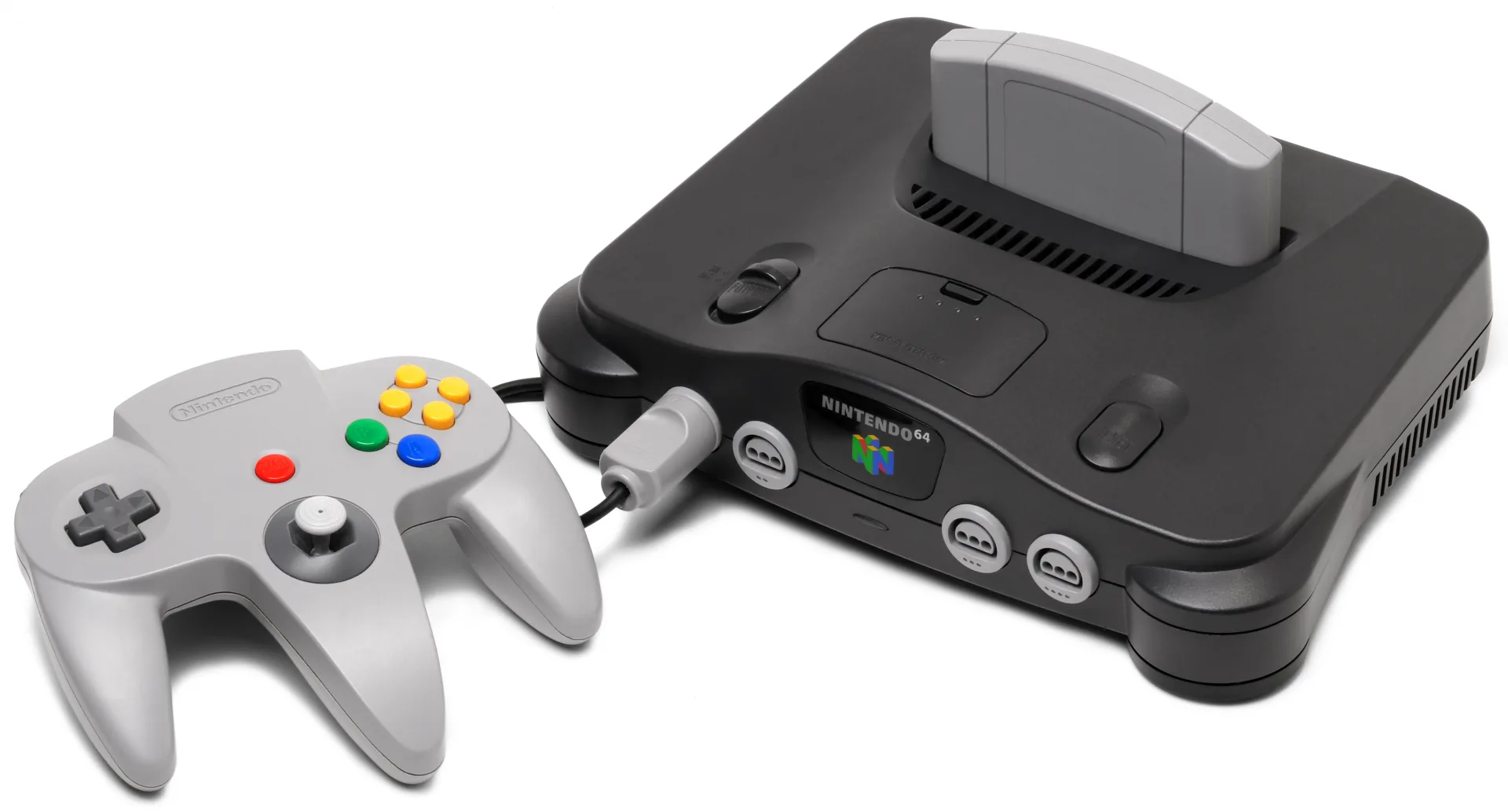
What You Need
- Open Source Cartridge Reader (OSCR) — the best N64 option: a native cartridge slot, support for every on-cart save type, and a controller port that dumps Controller Paks and tests controllers. Prebuilt from Save the Hero Builders (~$150); dumps to microSD with no computer attached.
- Retrode 2 with the N64 plugin — if you already use a Retrode for SNES/Genesis, the plugin adapter (from DragonBox or Retro Game Repair Shop) adds N64 carts to the same drag-and-drop workflow.
- INLretro in its N64-capable configuration.
Dumping, Step by Step
.z64 ROM plus save files. Diagram: NDEVR.- Clean the edge connector — N64 carts are champion dust collectors.
- Insert and dump. OSCR: choose N64, and it identifies the game, dumps the ROM, and grabs the on-cart save (it knows which save type each game uses). Retrode: the cart appears as files to copy.
- Dump the Controller Pak too, if your games used one — on the OSCR, plug the controller into its port.
- Verify. Dump twice and compare, or check the checksum against the No-Intro database.
Saves & Controller Paks
Nintendo split N64 saving two ways, and a full backup covers both:
- On the cartridge — EEPROM (Mario 64, Zelda: OoT), SRAM (Zelda: Majora’s Mask, battery-backed), or FlashRAM (Pokémon Snap, Paper Mario). Your dumper handles the differences; only SRAM carts have the battery-death problem.
- On the Controller Pak — the memory card that slots into the controller, required by many third-party games (Mario Kart 64 ghosts live here too). Its data is battery-free but the connectors corrode; dump it once and it is safe forever.
Byte Order: .z64 vs .v64 vs .n64
Same game, three shuffles
Old copier hardware wrote N64 ROMs with bytes swapped in different orders, and the three file extensions record which: .z64 is the native big-endian order (what modern dumpers produce), .v64 is byte-swapped, .n64 is little-endian. They are the same data shuffled differently, and the OWL player accepts all three — but prefer .z64 when your tool offers a choice; it is the preservation standard.
Playing Your Backup
Upload Game.z64 to your OWL media library and the Games collection runs it in the browser with the N64 core — box art, per-console settings, and save states synced across your devices. In CSD mode with client-held decryption keys, game and save payloads remain end-to-end encrypted; private library metadata—including names, types, exact original sizes and source timestamps—is encrypted too. Four-player classics pair naturally with Play Together, which hands extra controllers to friends over a share link.