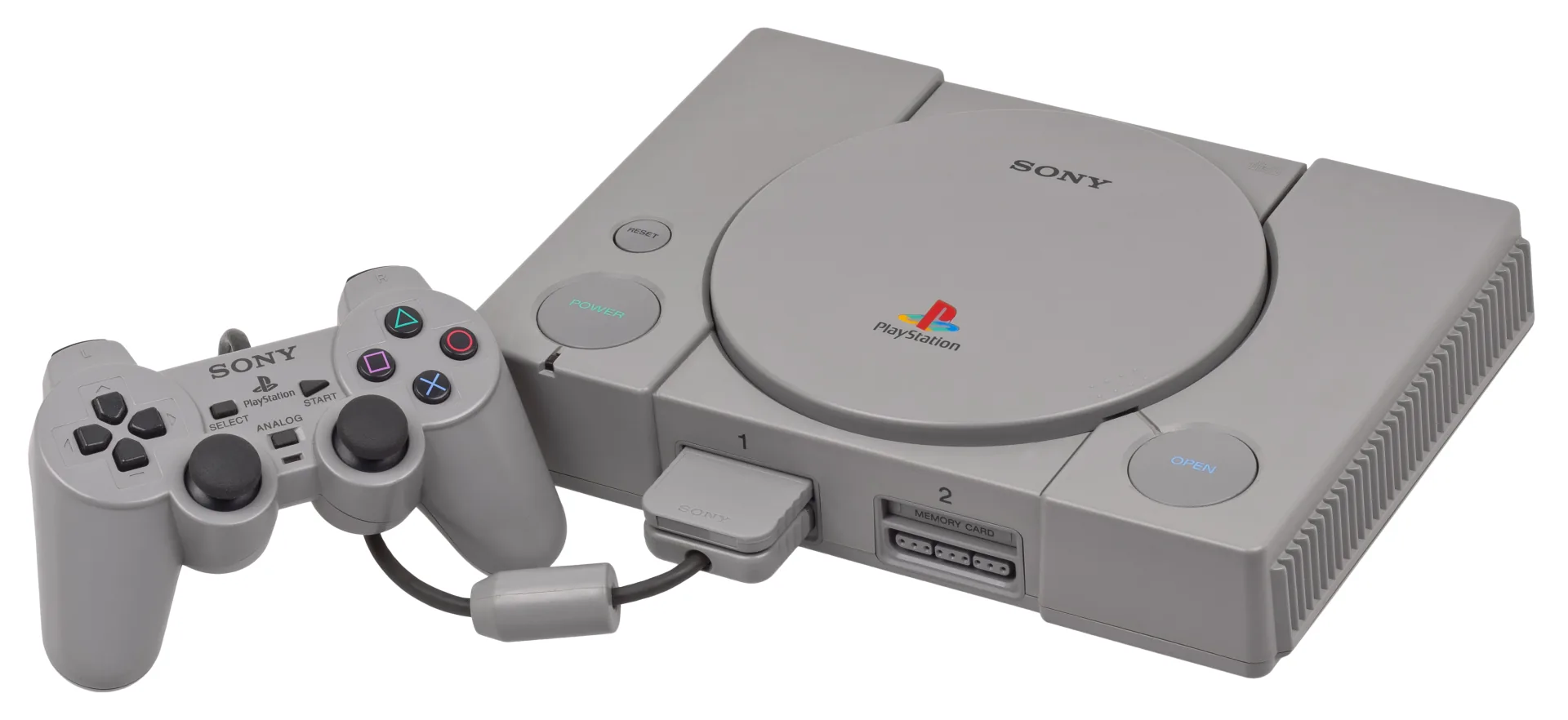
What You Need
- A CD/DVD drive. Any working drive rips PS1 discs; a $25 external USB drive is fine. (Perfectionists chasing preservation-database-exact rips favor certain Plextor models, but that is a hobby refinement, not a requirement.)
- DiscImageCreator — free, and the ripping tool used by the Redump preservation project. It reads every sector carefully, retries on scratches, and writes a
.bin(the data) plus.cue(the track layout — many PS1 games carry audio tracks you don’t want to lose). chdman— ships with MAME; a command-line tool that losslessly compresses the rip into a single tidy.chdfile.
Ripping, Step by Step
.bin/.cue pair, (3) chdman packs the pair into one losslessly compressed .chd. Diagram: NDEVR.- Clean the disc — wipe from the center straight out to the edge with a soft cloth. Scratched discs usually still rip; the tool retries bad sectors.
- Rip with DiscImageCreator. One command reads the disc to
Game.bin+Game.cueand reports read errors honestly. Keep the.cue— it is the map of the disc’s data and audio tracks. - Verify. DiscImageCreator prints hashes you can check against the Redump database to confirm a bit-perfect rip of your pressing.
The black disc isn’t copy-protected data
PS1 discs authenticated themselves to the console with a wobble pressed into the disc’s lead-in — something a burner can’t reproduce — but the data is stored unencrypted, which is why a plain PC drive reads it freely and why a personal backup involves no circumvention of an access control. The black dye is just cosmetic.
Packaging: .bin/.cue → .chd
A raw rip is two files and 650 MB. The preservation community’s answer is CHD (“compressed hunks of data”) — a single file, losslessly compressed to roughly half the size, with the track layout embedded. One command does it:
chdman createcd -i Game.cue -o Game.chd
The conversion is reversible (chdman extractcd gives you back the exact .bin/.cue), so nothing is lost — .chd is simply the tidier archival container, and the format the OWL player loads fastest.
Multi-Disc Games
Final Fantasy VII ships on three discs; Metal Gear Solid on two. Rip each disc to its own .chd, then write a plain-text .m3u playlist naming them in order:
Final Fantasy VII (Disc 1).chdFinal Fantasy VII (Disc 2).chdFinal Fantasy VII (Disc 3).chd
Upload the discs and the playlist together; the player treats the .m3u as the game and handles disc-swapping at the prompts.
Playing Your Backup
Upload the .chd (or .m3u set) to your OWL media library: the Games collection recognizes it, and the PlayStation core boots it in the browser without any BIOS file — the usual emulator headache simply doesn’t apply. In CSD mode with client-held decryption keys, game and save payloads remain end-to-end encrypted while private library metadata—including names, types, exact original sizes and source timestamps—is encrypted too.
(Saves on your original console’s physical memory cards are a separate, optional rescue — it needs niche reader hardware, and your backups play fine without it.)