What You Need
- An Intellivision-capable cartridge reader. The Open Source Cartridge Reader (OSCR) reads Intellivision carts with its adapter; dedicated readers exist too. Prebuilt OSCRs come from Save the Hero Builders.
- Isopropyl alcohol and swabs — clean the cartridge edge before reading.
- Your own console, once, to dump the two firmware ROMs (see below).
Dumping, Step by Step
.int — which plays once the console’s firmware is installed. Diagram: NDEVR.- Clean the contacts with isopropyl alcohol.
- Read the cartridge in the reader — these ROMs are tiny, so it is instant.
- Verify. Compare against the No-Intro database to confirm a clean read.
EXEC and GROM
Two firmware ROMs — from your own console
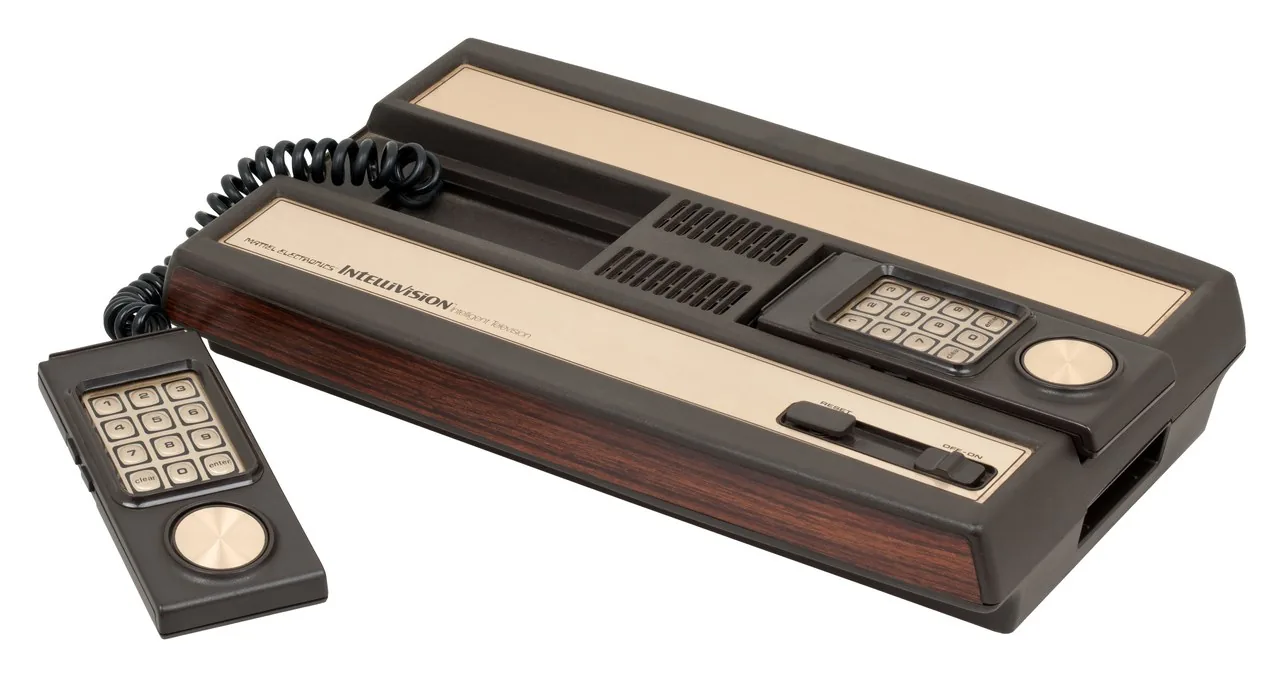
The Intellivision boots from two built-in chips: the EXEC (the system routines every game calls) and the GROM (the built-in graphics font). The emulator core needs both to run anything, and both are copyrighted — so, like the cartridges, you dump them from a console you own rather than downloading them. Read them off your console as exec.bin and grom.bin, then upload the pair once (a small .zip containing both) in the OWL player’s Intellivision emulator settings. Every Intellivision game you add afterward uses them.
Playing Your Backup
Upload Game.int to your OWL media library and it lands in the Games collection. With EXEC and GROM installed, the Intellivision core runs it in the browser — keypad overlays and all. In CSD mode with client-held decryption keys, game, save and firmware payloads remain end-to-end encrypted; private library metadata—including names, types, exact original sizes and source timestamps—is encrypted too.