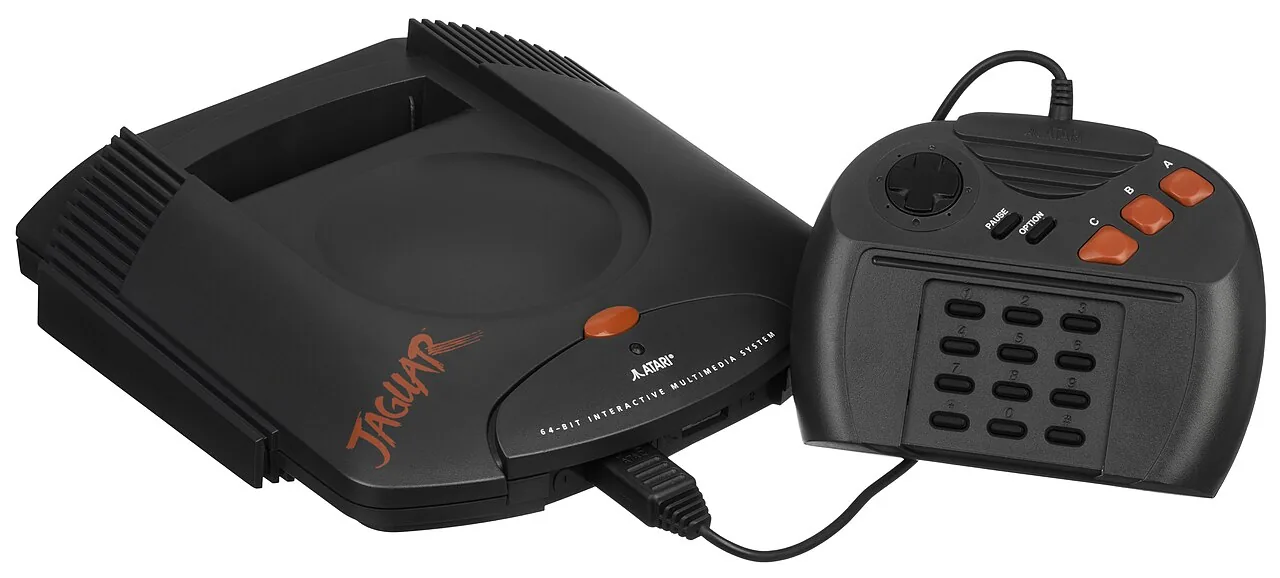
What You Need
- A Jaguar cartridge dumper. The Jaguar has a smaller preservation scene than Nintendo or Sega, but dedicated readers and dump-capable flashcarts exist that read a cart over USB to your PC.
- Isopropyl alcohol and swabs — clean the cartridge edge connector before reading; three-decade-old contacts cause bad dumps.
Dumping, Step by Step
.j64 for your library. Diagram: NDEVR.- Clean the contacts. Isopropyl alcohol on a swab, both sides.
- Seat the cartridge in the reader and dump the ROM.
- Verify. Dump twice and compare, or check the file against the No-Intro database.
Byte Order and .j64
★
Get the format right
The Jaguar’s Motorola 68000 is big-endian, and early dumps floated around in different byte orders. The modern, emulator-friendly format is .j64; a good dumper writes it directly. If a dump loads as garbage but verified twice, it is almost always a byte-order or header issue with the file — not a bad read of the cartridge.
Playing Your Backup
Upload Game.j64 to your OWL media library and it lands in the Games collection with per-console settings — the player’s Jaguar core runs it in the browser with save states synced across your devices. In CSD mode with client-held decryption keys, game and save payloads remain end-to-end encrypted; private library metadata—including names, types, exact original sizes and source timestamps—is encrypted too.