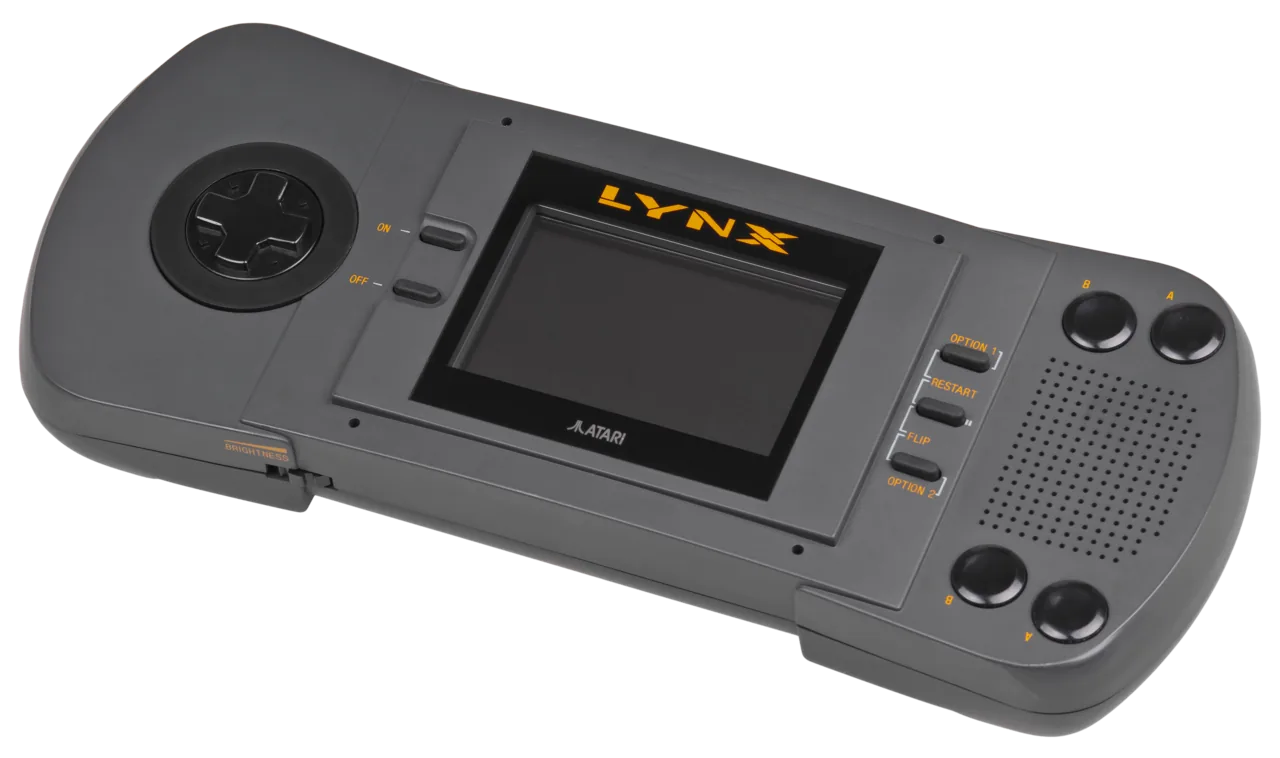
What You Need
- A Lynx cartridge reader. The Lynx is a niche system, but dedicated dumpers exist that read a cart’s ROM over USB. Some multi-system readers cover it with an adapter.
- Isopropyl alcohol and swabs — clean the cartridge’s edge contacts before reading.
Dumping, Step by Step
.lnx ready for your library. Diagram: NDEVR.- Clean the contacts with isopropyl alcohol.
- Read the cartridge in the dumper.
- Verify. Check the file against the No-Intro database to confirm a clean read.
The LNX Header
Why the header matters
A raw Lynx cartridge doesn’t say how its ROM is laid out in memory. The community’s .lnx format prepends a 64-byte header describing the bank layout so an emulator knows how to load it. A good dumper writes this automatically; a bare header-less dump may not boot until the header is added. When in doubt, keep the .lnx a proper dumper produced.
Playing Your Backup
Upload Game.lnx to your OWL media library and it appears in the Games collection — the player’s Lynx core runs it in the browser (the display rotates for the games that expect it), with save states synced across your devices. In CSD mode with client-held decryption keys, game and save payloads remain end-to-end encrypted; private library metadata—including names, types, exact original sizes and source timestamps—is encrypted too.