What You Need
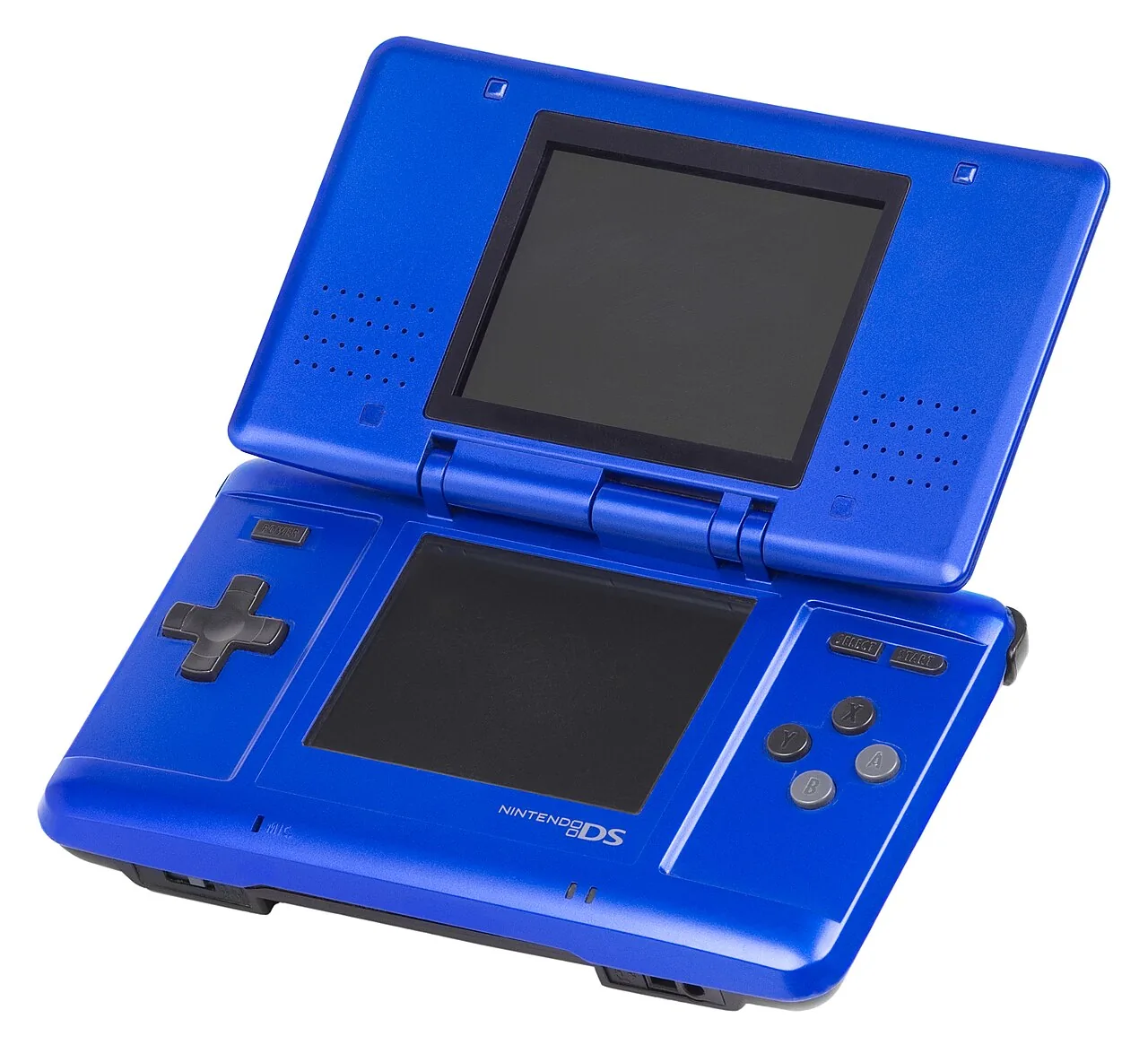
- A DS-family console that runs homebrew. An original DS or DS Lite with a Slot-1 flashcart, or — easiest today — a DSi or 3DS with its free, well-documented homebrew environment. That console becomes the card reader; nothing else is required.
- GodMode9i — the standard homebrew dumper. Insert your Game Card, pick it, and it writes
Game.nds(and the save) to the SD card. - Or a dedicated Slot-1 USB reader if you would rather not set up homebrew — a small dongle that dumps a card straight to your PC.
Inside the Game Card
A DS Game Card is a mask-ROM chip with a small save chip beside it. The card carries a short encrypted boot header — the part that handshakes with the console at power-on — but the game itself is ordinary data, and a dumper reads the card end to end. That is why homebrew tools can produce a complete, verifiable .nds from a card you own: they read what the console reads.
.nds (and the save) for your library. Diagram: NDEVR.Dumping, Step by Step
- Prepare the console. Set up homebrew on your DSi or 3DS (or use a flashcart on a DS), and copy
GodMode9ito the SD card. - Insert the Game Card you own and launch the dumper.
- Dump the save first (see below), then dump the ROM to
Game.nds. - Verify. Check the file’s checksum against the No-Intro database to confirm a clean read of your card.
Trim nothing, keep the header
Some old guides “trim” the padding off a .nds to save space. Don’t — a full, untrimmed dump is the archival copy, verifies against the preservation databases, and is what the OWL player expects. Storage is cheap; a clean master is worth more.
Save Data
DS games store saves on a small chip in the card — usually flash or EEPROM, which (unlike the battery-backed SRAM of older cartridges) does not depend on a coin cell and is far less likely to have degraded. Dump it anyway: GodMode9i writes the save to a .sav beside the ROM, and it is the one part of a card that is genuinely irreplaceable if the chip ever fails.
Playing Your Backup
Upload Game.nds to your OWL media library and it lands in the Games collection with box art and per-console settings. The player’s DS core runs it in the browser — both screens and touch input — with save states synced across your devices. In CSD mode with client-held decryption keys, game and save payloads remain end-to-end encrypted; private library metadata—including names, types, exact original sizes and source timestamps—is encrypted too.