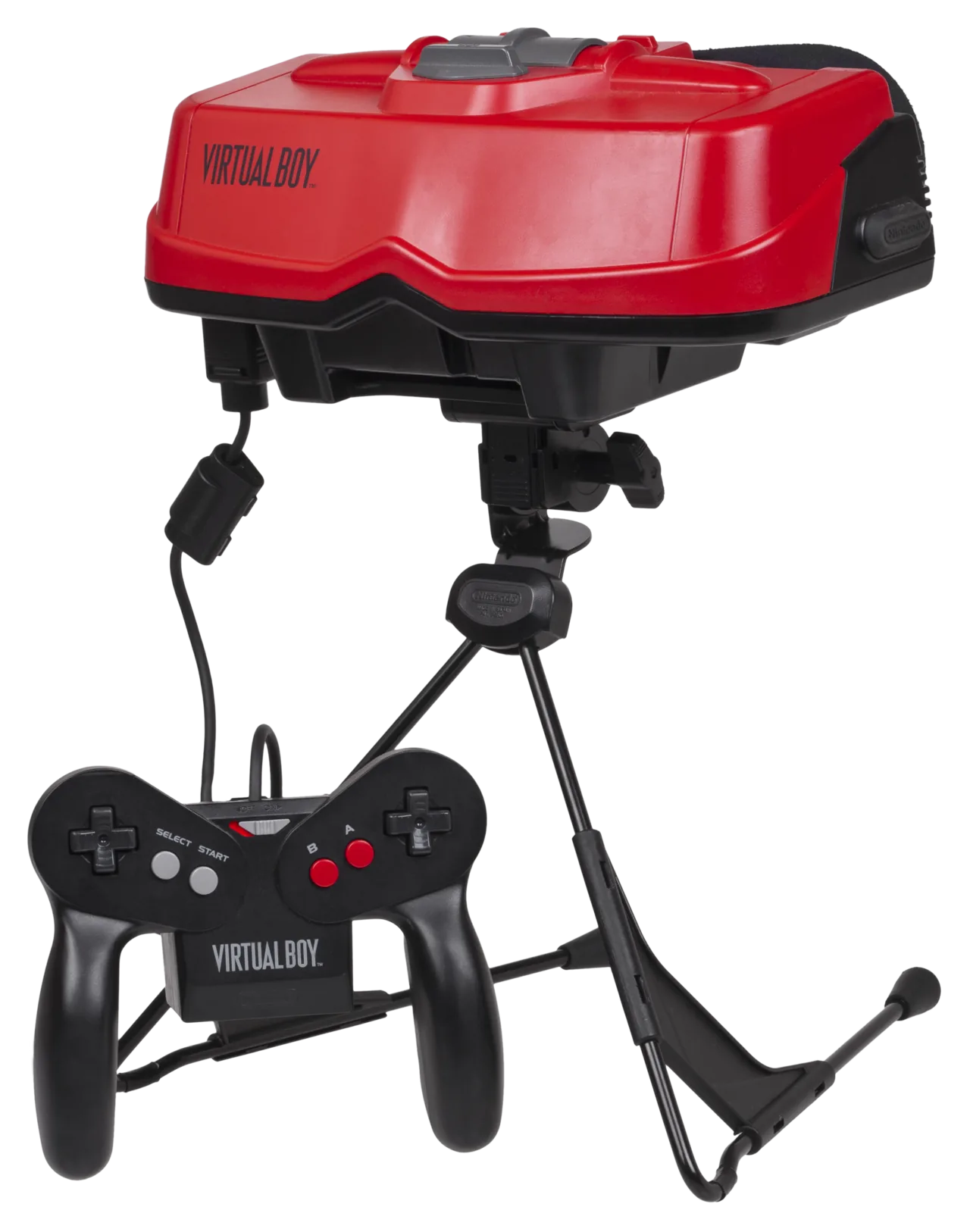
What You Need
- A Virtual Boy cartridge dumper. The system is niche, but the preservation community has built dedicated readers that copy a VB cart’s ROM over USB. Because the library is so small, one dumper handles essentially everything you might own.
- Isopropyl alcohol and swabs — clean the cartridge connector before reading.
Dumping, Step by Step
.vb. Diagram: NDEVR.- Clean the contacts with isopropyl alcohol.
- Read the cartridge in the dumper.
- Verify. Check the file against the No-Intro database — with so few titles, a full set is easy to confirm.
A Whole Library in a Pocket
Preservation’s easy win
The Virtual Boy’s commercial library is small enough that a complete, verified backup of everything you own is a realistic afternoon’s project — and because the hardware is fragile (the displays are known to fail), a clean dump may outlast the console it came from. Back up the carts while the reader is out.
Playing Your Backup
Upload Game.vb to your OWL media library and it appears in the Games collection — the player’s Virtual Boy core renders its red stereoscopic display in the browser (as 2D, or anaglyph with the right settings), with save states synced across your devices. In CSD mode with client-held decryption keys, game and save payloads remain end-to-end encrypted; private library metadata—including names, types, exact original sizes and source timestamps—is encrypted too.