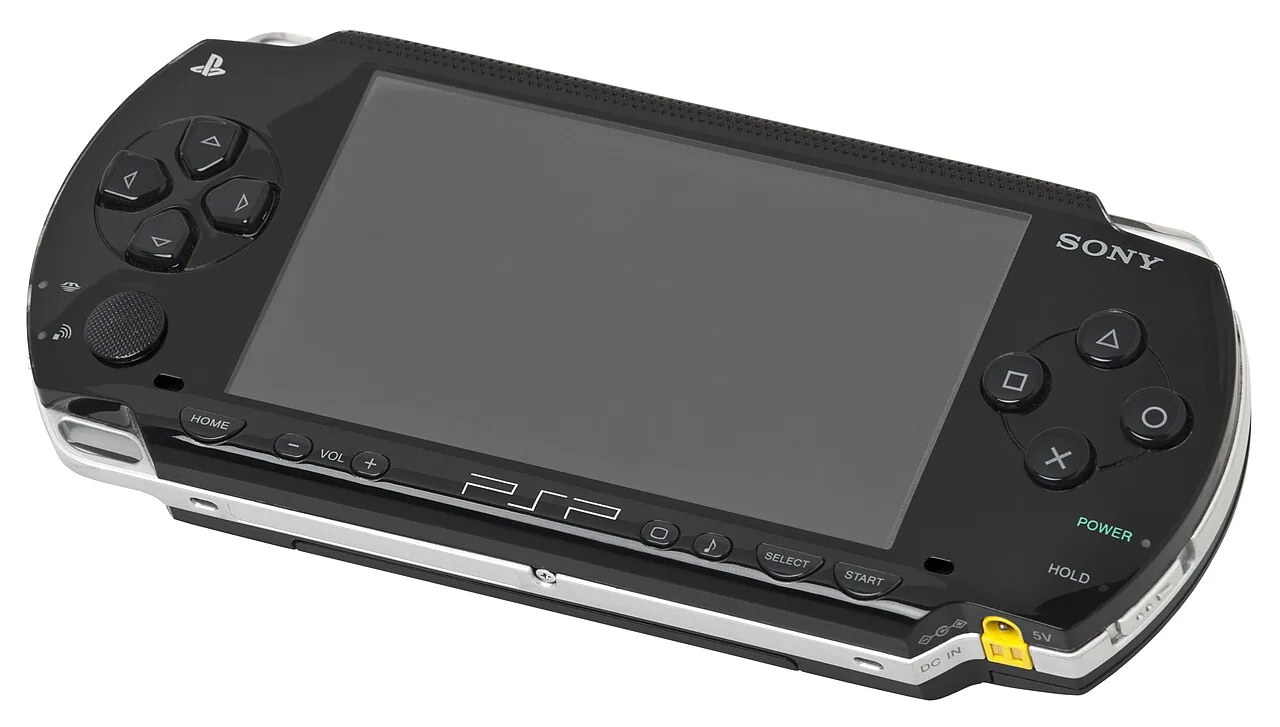
Why the PSP Is Different
Every other console in this series stores its games unencrypted: a plain reader copies the data, and a personal backup involves nothing more than reading what you own. UMDs are not like that. The disc’s data is scrambled, and only the PSP’s firmware holds the keys to unscramble it — so to dump a UMD you must run custom firmware on the console that decrypts the disc as it reads.
The honest version
Decrypting media you own to make a personal backup is a different act from copying someone else’s — but because a UMD is encrypted, that decryption step touches anti-circumvention rules (in the US, DMCA §1201) that the unencrypted cartridge and CD backups simply don’t. We’re not going to pretend otherwise. If you back up a UMD you own, keep the result strictly private, keep the disc, and understand that the legal footing here is narrower than for a Game Boy cartridge or a PlayStation 1 CD. This is background, not legal advice.
There is also a cleaner path that avoids the question entirely: PSP games you bought as digital downloads are already unencrypted files on your Memory Stick — those are yours to keep and re-use directly, no decryption involved.
What You Need
- Your own PSP running homebrew (custom firmware). The console does the reading; there is no separate UMD drive for a PC.
- A UMD dumper — a homebrew utility that reads your inserted UMD and writes it to the Memory Stick as an
.isoor compressed.cso. - Or nothing extra, if the game was a digital purchase — copy the file you already own off the Memory Stick.
Dumping a UMD
.iso or .cso. Diagram: NDEVR.- Insert the UMD you own and open the dumper from the homebrew menu.
- Read to the Memory Stick. The tool writes a full
.iso; most can compress to.csoto save space. - Copy it off the Memory Stick to your computer, then straight into your library.
ISO and CSO
A raw UMD image is an .iso. CSO is simply that ISO losslessly compressed — smaller to store and upload, and the OWL player reads it directly, so there is no reason to keep the bulkier ISO once you have a good CSO. Both are single files; there is no separate BIOS to supply.
Playing Your Backup
Upload the .iso or .cso to your OWL media library: it appears in the Games collection, and the PSP core runs it in the browser with save states synced across your devices. In CSD mode with client-held decryption keys, game and save payloads remain end-to-end encrypted; private library metadata—including names, types, exact original sizes and source timestamps—is encrypted too. That content privacy is not a nicety here; for the PSP it is the whole point of rule three.