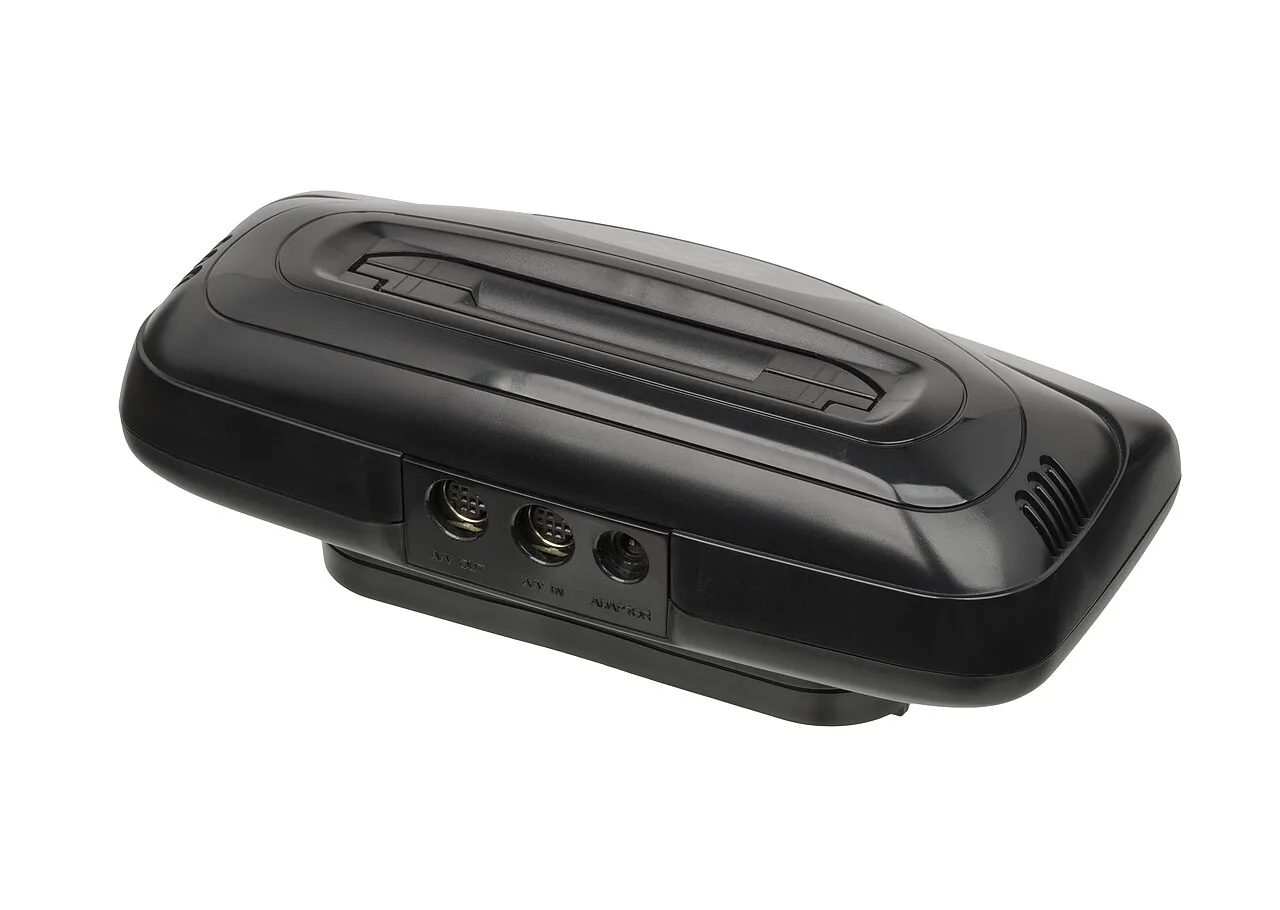
What You Need
- A Genesis-capable cartridge reader. The Retrode 2 reads Genesis (and 32X) carts as drag-and-drop files with no drivers, and the Open Source Cartridge Reader covers them too — the very same units the Genesis guide recommends. A 32X cartridge is electrically a Genesis cartridge, so no special adapter is needed.
- Isopropyl alcohol and swabs for the edge connector.
Dumping, Step by Step
.32x. Diagram: NDEVR.- Clean the contacts with isopropyl alcohol.
- Read the cartridge. On the Retrode it mounts as a USB drive — copy the file off. On the OSCR, pick the Genesis/Mega Drive menu.
- Name it
.32xso the player and emulators recognize it as a 32X title rather than a plain Genesis one, and verify against No-Intro.
The Genesis Underneath
One file, two chips’ worth of work
On real hardware a 32X game runs on the Genesis’s 68000 and the 32X’s twin SH-2 processors at once. You don’t have to think about that when backing up — it is all in the one cartridge ROM you dump — but it is why 32X titles are flagged as their own system: the emulator core has to bring up the whole Genesis-plus-32X stack. Naming the file .32x tells it to.
Playing Your Backup
Upload Game.32x to your OWL media library and it lands in the Games collection with per-console settings — the player’s 32X core runs it in the browser with save states synced across your devices. In CSD mode with client-held decryption keys, game and save payloads remain end-to-end encrypted; private library metadata—including names, types, exact original sizes and source timestamps—is encrypted too.